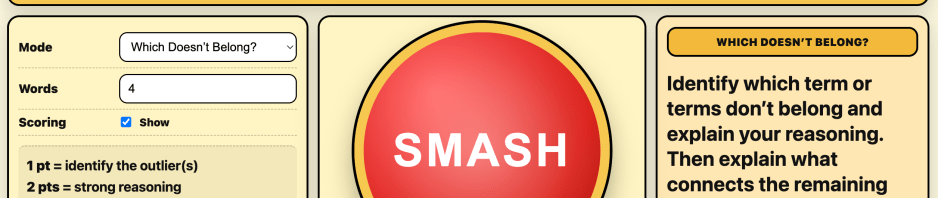
This post describes the design and evolution of Vocab Crusher, a small web-based vocabulary activity built to get students thinking with academic language rather than simply recalling definitions. Inspired by an earlier AP History prompt-randomizing game built in Google Sheets, the tool generates unpredictable combinations of vocabulary terms that students must connect, explain, or challenge as outliers. The post highlights how a simple classroom warm up evolved from a spreadsheet activity into a lightweight website designed for quick setup and flexible classroom use.
After I had spent so much time working on DBQ Guild, I found myself wanting something a little different. The Guild was slow by design but I wanted something quicker to serve as an“anytime” activity. It could be a warm up, closing activity, or if I had an unexpected ten minutes at the end of class.
So I built a game for my AP World History students using released prompts from the College Board from the past twenty years. Teams would have a short burst of time to build context, draft a thesis, or generate specific examples to support an argument.
I called it Spin That Prompt!
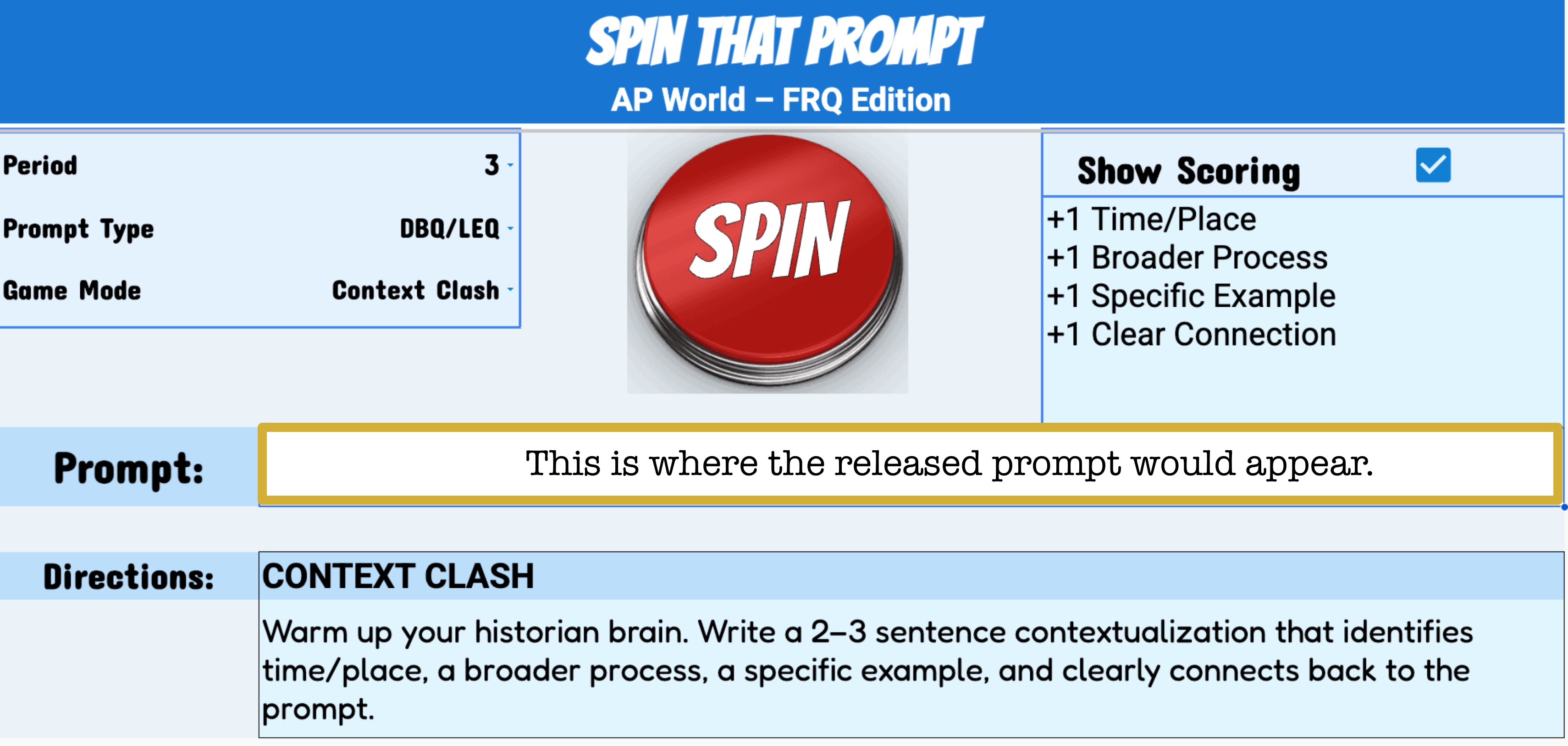
Built in Google Sheets, an Apps Script pulled from a bank of prompts that I had collected. I chose a unit, hit spin, and a prompt would appear. The scoring system was loose and the competition was friendly-ish. I had been discussing this idea for the past year.(I always joke that my backup career is game show host and I sometimes lean into it.)
I really liked Spin That Prompt and wanted to share it with the AP World community. But I hesitated as I wasn’t entirely sure where the College Board line was when it came to distributing something built around released prompts. Rather than wander into grey areas, I kept it as an in-house tool.
Still, I had now built two things for my AP students. It felt only fair to make something for my freshmen in U.S. History I.
What I loved about Spin That Prompt wasn’t the prompts themselves. I like the mechanics behind it. It quickly and randomly pulled from a bank of prompts and made students think of their feet.
And then it hit me. What if instead of a bank of prompts, I used vocabulary terms?
One of my favorite warm-up activities to use is giving students four or five terms from our unit and asking them to connect them. In the same vein, another favorite is giving students a similar list of terms and asking them to identify the outlier and explain their reasoning.(I picked that one up in a PD years ago. The key is that there is no single right answer. Students have to think through all the terms and justify their choice.)
Could I use the randomizing engine to apply to these warm-ups? Sometimes, I have an evil laugh. I employed it here.
I already had a vocab review game called Vocab Connect [I posted about this recently], so that name was taken. I needed something active. Slightly dangerous sounding. But also not actually dangerous.
Enter: Vocab Crusher.
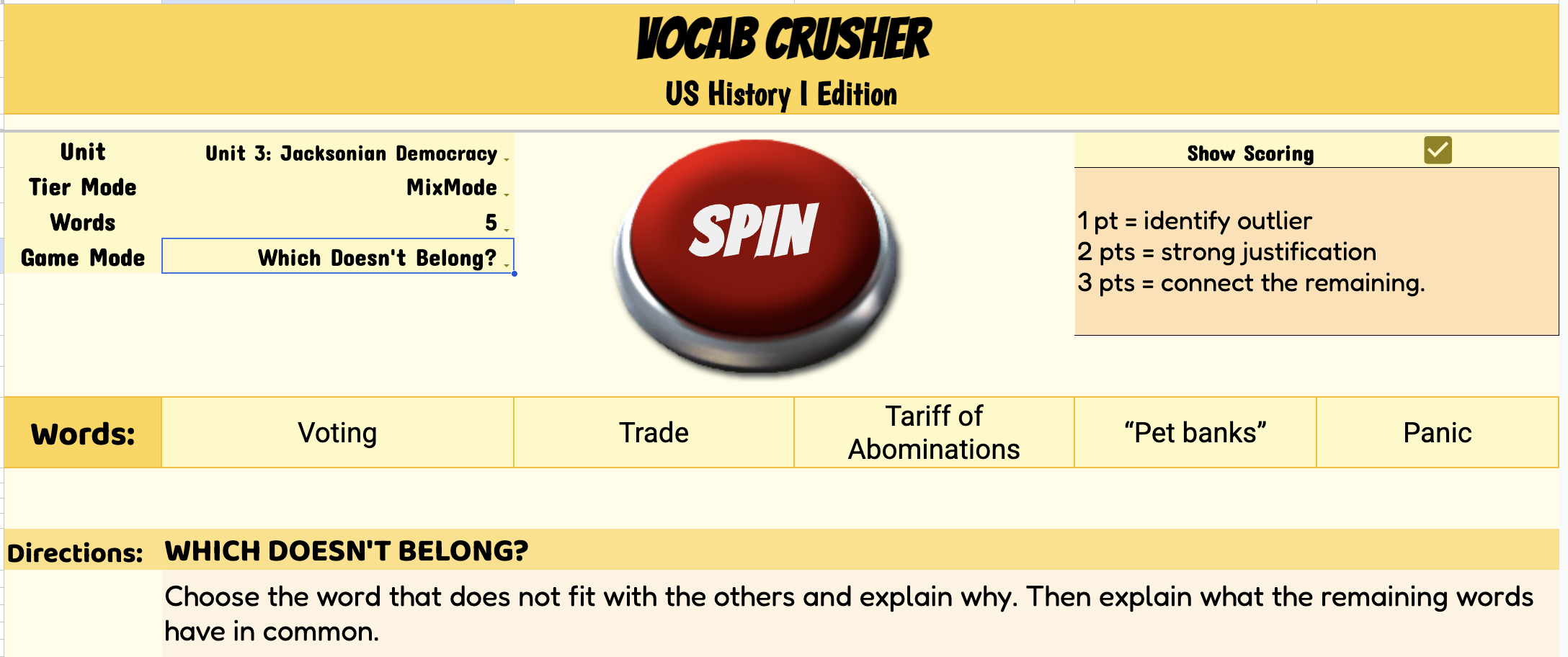
The first version lived in Google Sheets. I later changed “Spin” to “Smash” because nothing was actually spinning, and Smash felt more accurate. And more fun.
It took about a week to build the first version. I already had tiered vocabulary lists for U.S. History I – Tier 1, 2, and 3 terms I had created for summer work. So I built that into the structure.
You could:
- Select a unit from our curriculum map
- Choose a tier (or mix them, which is how I usually use it)
- Pick the number of terms to connect
- Hit spin (which later became SMASH)
Then I added modes.
Connection Crusher – Connect as many of the generated terms as you can.
Story Mode – Write a narrative using the terms.
One of These Does Not Belong – Identify the outlier and justify it. (Again, the reasoning is often more interesting than any single “correct” answer.)
Explain It to Me Like I’m 5 – Included because a colleague likes it.
There were annoyances. If the words were long, or if too many appeared, they would spill off the screen because I had placed directions underneath the word bank. But it functioned and students enjoyed it. The scoring stayed loose to keep the pace up. I got to fulfill my destiny to also be a games how host.
It was a fine little game.
But I wanted it to be… cooler.
A few weeks ago, I started experimenting with turning it into a website. I am very much a novice when it comes to coding, so I used generative AI as a collaborator. Together we built a simple prototype.
And it worked. [Here is the link – vocabcrusher.com.]
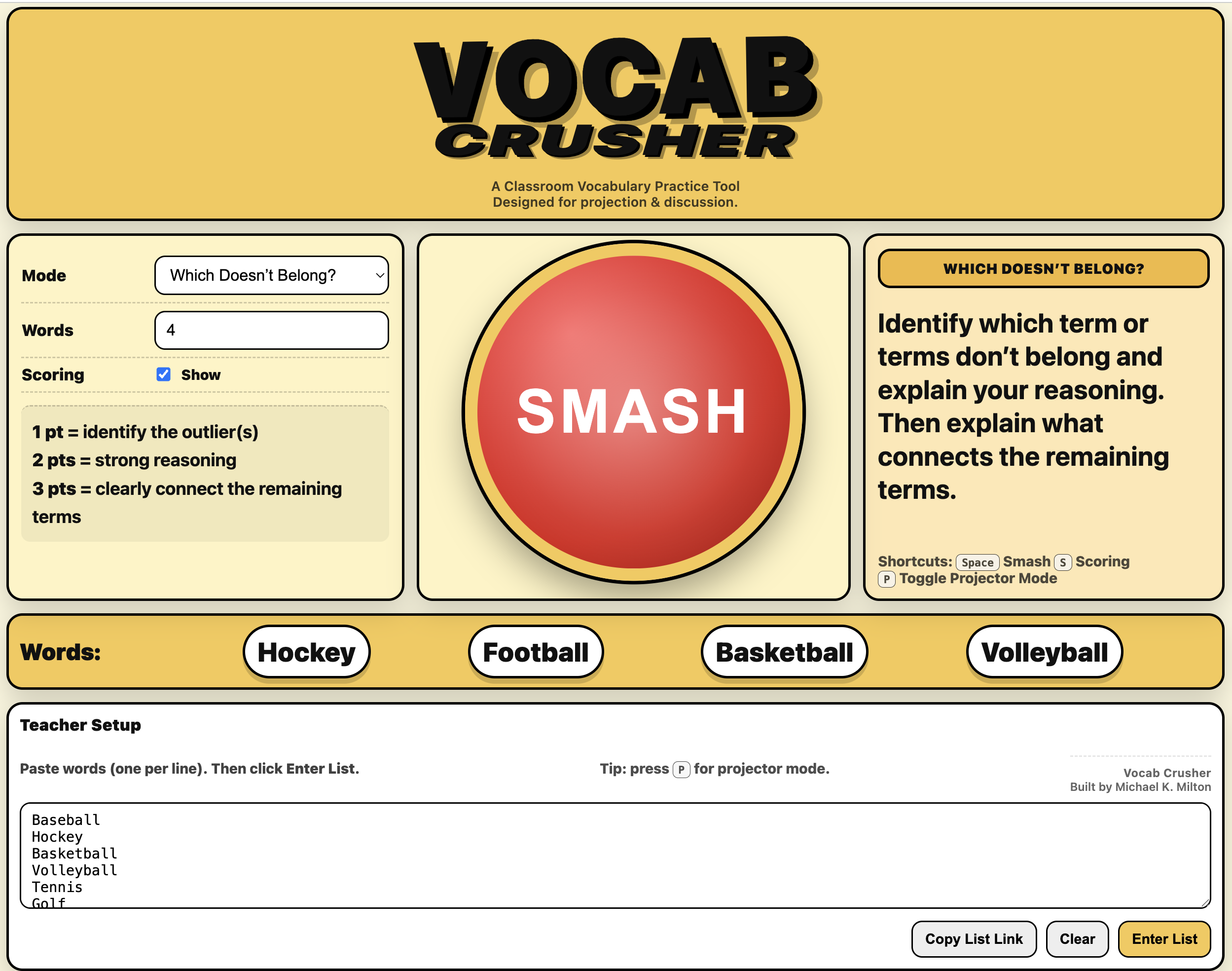
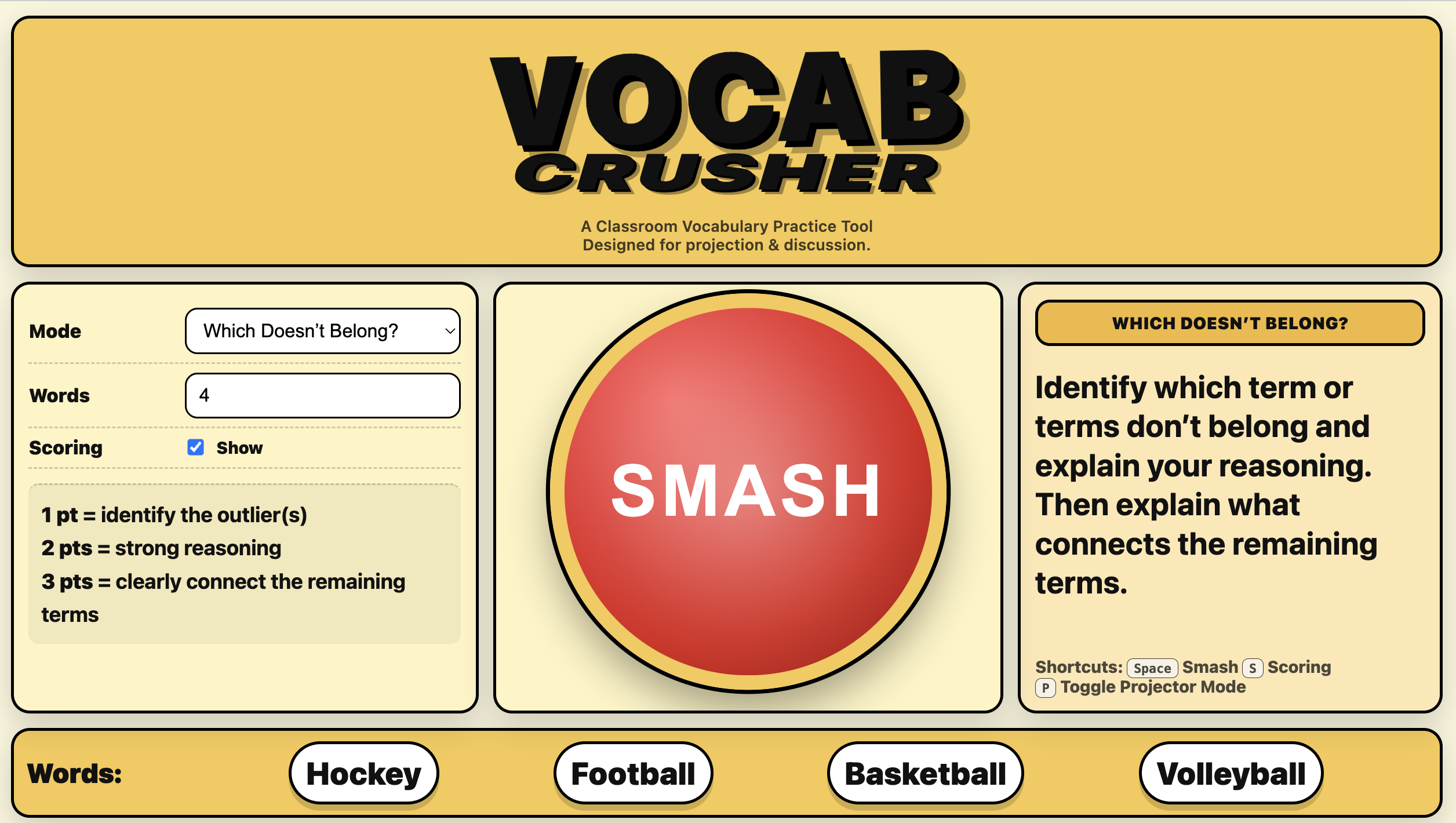
I stripped out my saved vocab lists since those are very my school-specific. The goal was not to share my bank of words. The goal was to make a tool that other teachers could adapt for theirs.
Now it’s simple:
- Paste in your vocabulary words (it works best when they are connected).
- Choose a mode.
- Select the number of words.
- Use the scoring system or ignore it.
- Hit SMASH.
I built it so you can copy the link and reuse your list later. There are no logins, accounts, or data collection. It is just a quick classroom game that you could set up in a few minutes. [Here is a link to one with vocabulary from the start of the Civil War.]
A colleague suggested the words should shake when they populate. So now they shake.
As I was tinkering around with it, I asked my wife for feedback and to show how it worked, I added names of sports for the vocabulary. Her feedback was mostly focused on clarity which led to some super helpful language changes. [Thank you!]
But the real test came next. My kids.
My son gravitated to “Which Doesn’t Belong.” He would pick an outlier and then walk us through his reasoning. Then he’d hit smash again. And again. We talked about how there could be more than one answer and he would walk us through a number of different answer. [Here is a link to the sports version that I used as a demo – hit P to toggle off the setup box.]
When my eight-year-old, she increased the number of words and decided there should be more than one possible outlier. Because both tennis AND baseball you used something to hit the ball, which was different than football, soccer, and bocce. That pushed me to adjust the directions.
Then we tried Story Mode. I pulled in a third-grade vocabulary list I found online, and she told us a story using the terms that populated. My son, meanwhile, just wanted to get back to “Which Doesn’t Belong?” and “Connection Crusher.”
I have used this with my high school students and was pleased with how it works. Watching my children interact with the game was…it made my day.
“Can I play more Vocab Crusher?” is not something I expected to hear from my son.
My daughter asked if I could make a math game.
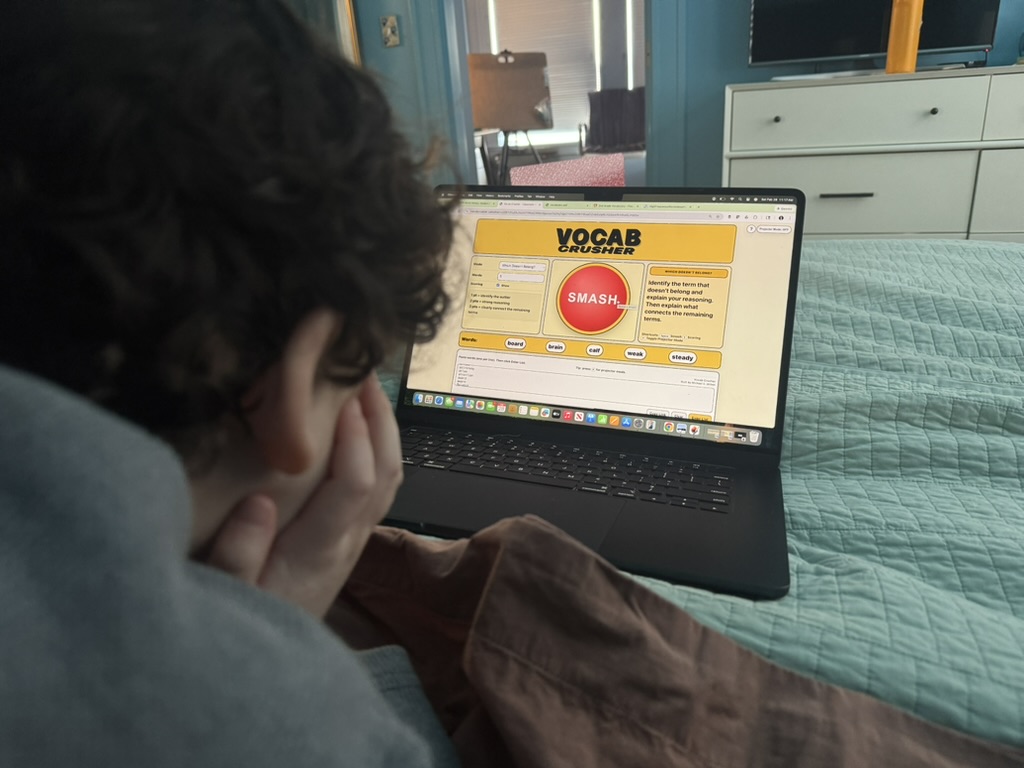
It is a simple website. Could a whiteboard do the job of this? Yes. Absolutely.
But I enjoy the randomizing element. There is something about not knowing what combination will appear that pushes students to think on their feet.
I wanted to build something fun for my students. It’s small. It’s scrappy. It works.
If you take a look and try it, I’d love to hear how it works for you. I tried to make it easy to use. Feedback is always welcome!
In the meantime, I’ll keep tinkering.


 Michael K. Milton: Musings on History & Education (mostly)